














You’re already in the meeting where this gets decided. Product wants faster delivery, engineering wants fewer rewrites, and leadership wants a stack that won’t turn into a maintenance tax in two years. That’s why choosing between the frameworks for mobile application development in 2026 isn’t a tooling preference, it’s an operating decision that affects release cadence, hiring, governance, and how much of your roadmap survives the first platform edge case.
The usual trade-off shows up immediately. Shared code can speed up iOS and Android delivery, but it can also limit platform fidelity. Mature ecosystems reduce risk, but they can slow adoption of newer patterns. Enterprise teams also have to weigh developer ergonomics against compliance, testability, and whether they can still staff the stack after the initial launch rush.
1. Flutter
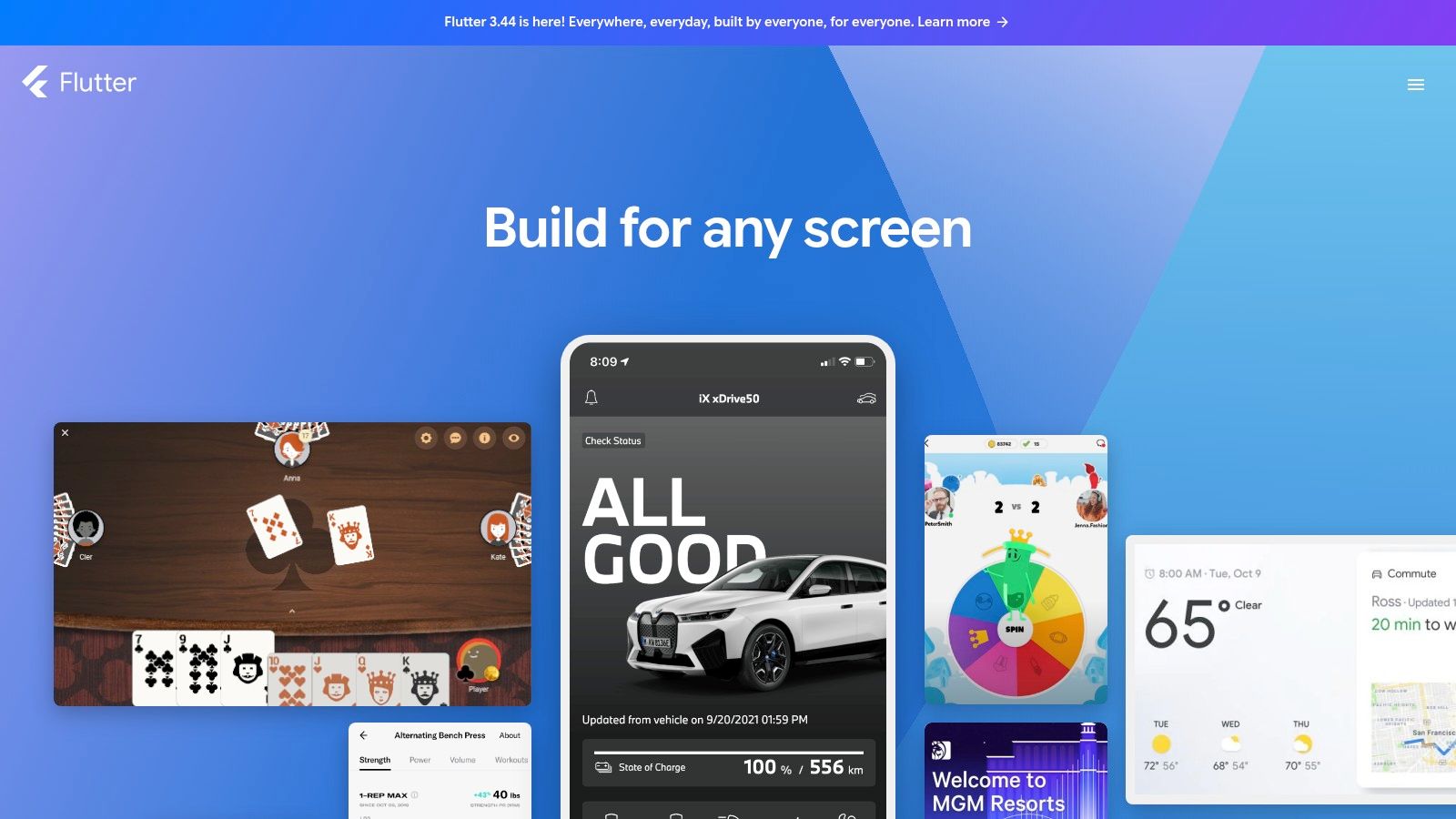
Flutter keeps winning enterprise conversations because it gives teams a single codebase and a strong UI story without forcing them into a web-view compromise. Kotlin’s documentation describes cross-platform frameworks as a way to share common logic while still reaching Android, iOS, desktop, and web where needed, which fits Flutter’s practical appeal for products that want consistency across channels. The cleanest deployments I’ve seen with Flutter are greenfield products where the team wants predictable UI behavior and fast iteration, not a patchwork of platform-specific exceptions.
Flutter’s official site reflects that UI-first focus, and the ecosystem around pub.dev is part of why it keeps showing up in enterprise shortlists. The downside is real, though. Flutter teams must invest in Dart, which is less common than JavaScript, TypeScript, Swift, or Kotlin, and that affects hiring and succession planning.
Where Flutter works well
Flutter is strongest when the product team wants to standardize on one mobile stack and keep UI control tight. It’s a good fit for apps where design consistency matters more than maximum platform-specific fidelity. It also tends to suit organizations that can afford to train around Dart rather than optimizing for immediate staffing convenience.
Practical rule: If your team argues more about UI consistency than about device-specific behavior, Flutter is usually a serious candidate.
The trade-off is packaging and specialization. App binaries can be larger than fully native UI implementations, and the framework choice becomes a long-term commitment to Dart expertise rather than a temporary MVP shortcut. That’s manageable when the architecture is stable, but it’s painful if the team expects heavy platform divergence later.
For larger organizations, Flutter often lands in the same conversation as broader software delivery capability, not just app code. If you’re aligning a mobile launch with custom software development, Flutter can reduce duplicated effort, but only if the product scope is disciplined from the start.
2. React Native
React Native remains the most comfortable choice for teams that already think in React, JavaScript, or TypeScript. The framework renders to native UI components, so it avoids the feel of a wrapped web app, and the official project site at React Native makes that native-rendering model central to its identity. That matters in enterprise delivery because web skill reuse is often the difference between shipping with the team you have and waiting for rare specialist hires.
The hiring angle is not theoretical. Recent guidance on framework selection keeps returning to staffing reality, especially the fact that React Native can draw from a much larger JavaScript and TypeScript talent pool than more specialized stacks. That makes it easier to sustain a product after launch, even if the first release was built for speed rather than architectural elegance.
What teams gain and what they inherit
React Native works well when product and engineering want to reuse business logic and use existing web conventions. It also has a deep third-party library ecosystem, which can shorten time to implementation for common product patterns. The risk shows up when native modules start accumulating and linking gets messy, because that’s where maintenance burden creeps in.
Watch the edges: React Native is easy to start with and harder to keep simple once a lot of platform-specific behavior piles up.
Performance-sensitive interfaces can still require native optimization, especially for animation-heavy screens or interactions that depend on device-specific tuning. That doesn’t make React Native a weak choice, it makes it a pragmatic one. For teams with strong delivery discipline, it can be a very durable stack.
If your mobile program is being standardized around web-oriented delivery, Expo often sits alongside React Native in the practical implementation discussion because it smooths setup and iteration. That doesn’t remove architectural responsibility, but it can reduce early friction.
3. .NET MAUI
.NET MAUI is the framework that makes the most sense when the enterprise is already a C# and .NET shop. Microsoft positions it as the successor to Xamarin.Forms, and the official documentation at Microsoft Learn for .NET MAUI makes clear that it’s meant to unify mobile development around C# and XAML. In practice, that means less language churn, more reuse of business logic, and easier alignment with existing enterprise tooling.
That advantage matters more than many product teams admit. New mobile stacks often fail not because the framework is bad, but because the organization doesn’t have enough confidence to maintain it. With .NET MAUI, the staffing story is cleaner if your engineers already live in the Microsoft ecosystem. Visual Studio integration is also a genuine operational advantage, not just a marketing line.
Why enterprises evaluate it carefully
The strongest .NET MAUI use cases are organizations that want a shared codebase without abandoning native UI access or enterprise governance. Microsoft’s backing gives it a clearer support posture than many niche cross-platform options, which matters in regulated environments. Still, the framework is newer than some rivals, and certain third-party SDKs may arrive later.
App size and startup time can also need tuning. That doesn’t make the framework unsuitable, it just means performance work doesn’t disappear because the stack feels familiar. If your app needs a lot of integration with external SDKs, treat those dependencies as part of the risk review, not as an afterthought.
A lot of enterprise buyers choose .NET MAUI because it feels operationally safe. That feeling is often justified, but only if the team is ready to invest in app-level performance testing and not assume that .NET familiarity automatically equals mobile maturity.
4. Kotlin Multiplatform
Kotlin Multiplatform is the most interesting option when an organization wants shared logic without surrendering the UI layer to a lowest-common-denominator abstraction. Kotlin’s own cross-platform documentation explains that these frameworks can support Android, iOS, desktop, and web while still allowing platform-specific code where needed, which is exactly why KMP is attractive for enterprise modernization. You get reuse where it helps, and native control where it matters.
The best Kotlin Multiplatform programs I’ve seen are led by Android-leaning teams that don’t want to duplicate networking, data, and business rules across mobile platforms. They keep native UIs, which preserves platform conventions and simplifies integration with native SDKs. That tends to reduce long-term friction because the UI story doesn’t have to be forced into a single shared abstraction.
Why KMP changes the decision
KMP is less about replacing native and more about reducing duplication intelligently. JetBrains’ official Kotlin Multiplatform page frames that shared-code approach clearly, and the optional Compose Multiplatform path adds another layer for teams that want to share more of the interface. Strength is flexibility, not dogma.
Enterprise reality: KMP is often the best compromise when the business wants speed, but the product still needs native-quality behavior on both major platforms.
The downside is organizational, not just technical. UI sharing isn’t mandatory, so you can still end up maintaining two UI layers. Tooling and libraries are maturing, which means some teams will need to accept a little more architectural discipline than they’d need with older, more established native stacks.
The earlier staffing point matters here. If your team cares about who can still maintain the stack in the next few years, KMP deserves attention because it reduces code duplication without forcing a wholesale language shift. That’s often a more sustainable compromise than trying to make one framework solve every delivery problem at once.
5. SwiftUI
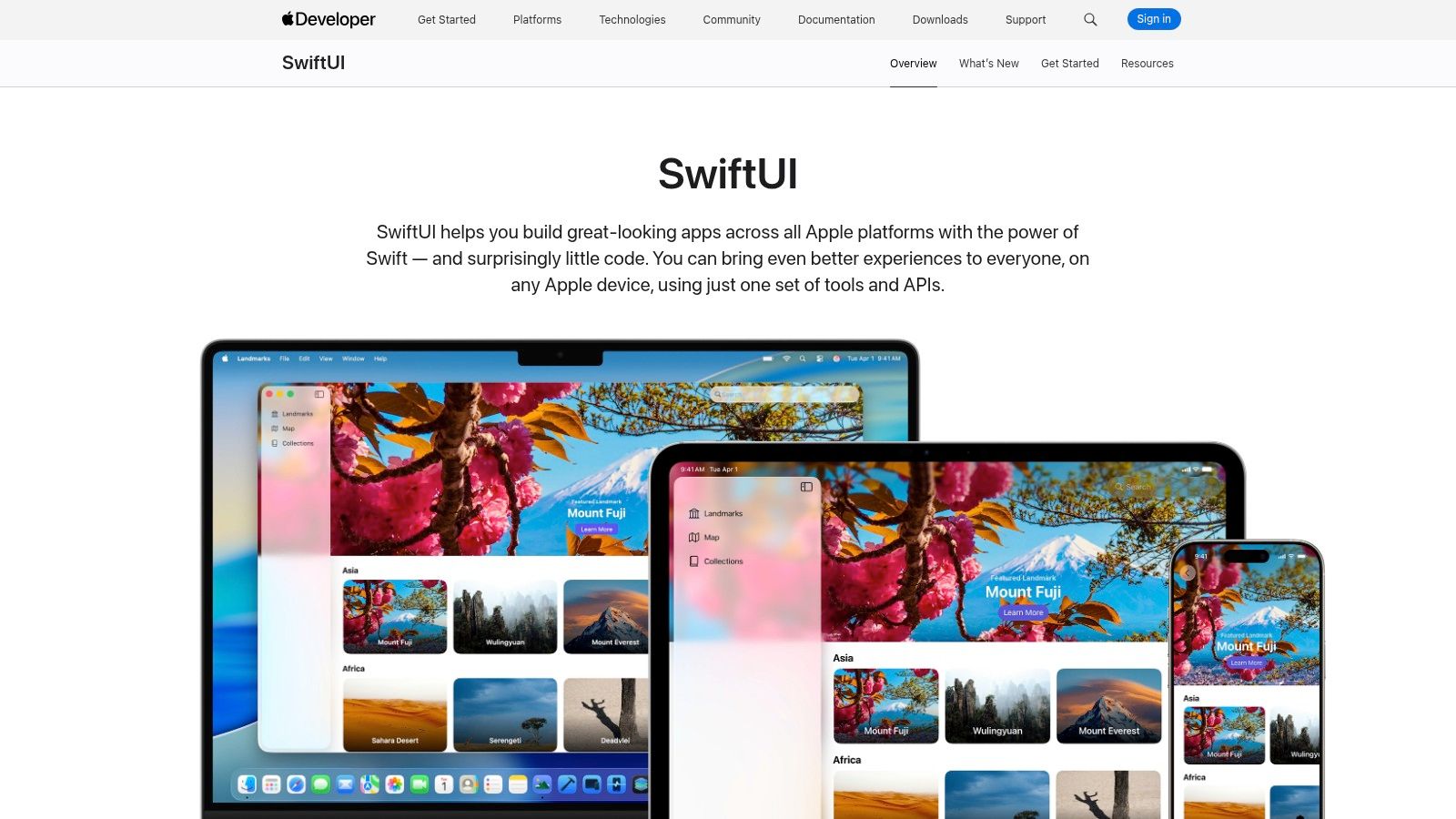
SwiftUI is the cleanest answer when the product is Apple-only and the team wants a modern, declarative path that feels aligned with current platform strategy. Apple’s official SwiftUI documentation positions it across iOS, iPadOS, visionOS, watchOS, and macOS, and that scope makes it more than just a mobile UI toolkit. It’s the strongest choice for teams that care about first-party tooling and want to move fast within the Apple ecosystem.
SwiftUI’s biggest appeal is developer clarity. Declarative UI reduces a lot of the boilerplate that used to slow native Apple work, and interoperability with UIKit and AppKit makes incremental adoption less painful. In practical delivery work, that’s useful when a product team wants to modernize screens without rewriting the entire app stack.
Apple-only is both the benefit and the limit
SwiftUI’s biggest strength is also its hard boundary. If Android is part of the roadmap, you need a second stack. That’s not a minor caveat, it’s a budgeting and staffing decision.
The official platform support is also tied to Apple’s annual release rhythm, which means new APIs arrive on Apple’s schedule, not yours. Older OS targets may require workarounds, and that affects product planning if the installed base includes slower-moving users. None of this makes SwiftUI weak, it just makes it sharply opinionated.
For companies with a heavy Apple audience, the combination of cleaner UI code and deep first-party integration can justify the split. For everyone else, it becomes a strategic choice to specialize, not a universal mobile solution.
If the Apple user experience is central to your product, it’s also worth aligning UI work with UI and UX design services early. SwiftUI rewards teams that make interface decisions deliberately, because the framework makes visual and state logic much easier to express, but not easier to rescue after poor product thinking.
6. Jetpack Compose
Jetpack Compose is the Android answer to the modern declarative UI trend, and it’s the path Google clearly wants new Android development to follow. The official docs at Jetpack Compose position it as the Compose-first approach for Android, which matters because it gives teams a clean modernization path away from XML Views. That makes it especially useful for organizations carrying a legacy Android codebase that still needs to evolve.
The biggest practical win is reduced boilerplate. Compose makes UI state and rendering easier to reason about, and that often improves testing and day-to-day development speed. For Android-heavy product teams, the quality-of-life improvement is real, not cosmetic.
Where Compose fits best
Compose works best when Android is a serious platform priority rather than a side effect of a cross-platform plan. It’s native, it’s Kotlin-based, and it integrates tightly with Android Studio and the broader Jetpack ecosystem. That combination is hard to beat when the product needs platform fidelity and the engineering team wants to keep the stack close to the OS.
The limitation is obvious. Compose is Android-only, so it doesn’t solve cross-platform delivery by itself. Migration from older View systems also needs planning, because a rushed transition can turn into a hybrid codebase that nobody enjoys maintaining.
The cleanest Compose programs are the ones where the team treats migration as an architecture exercise, not as a screen-by-screen rewrite.
That advice matters because many enterprises underestimate the cost of “just modernizing the UI.” A partial migration can work well, but only if the team is disciplined about boundaries and doesn’t let old and new patterns blur together indefinitely.
7. Ionic Framework + Capacitor
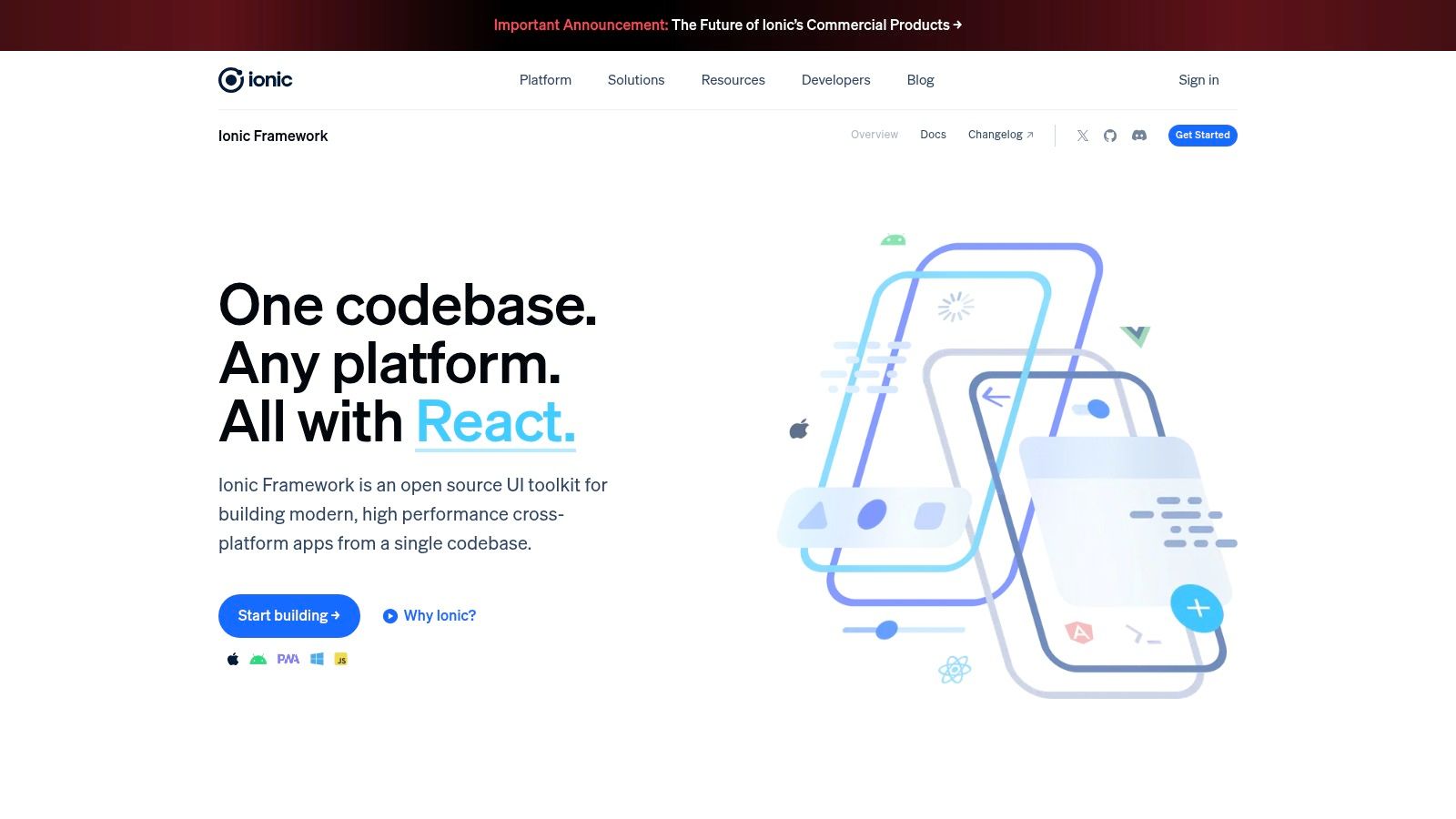
Ionic is the framework I recommend people stop romanticizing and start evaluating. Its official Ionic Framework page makes the web-first model clear, and GeeksforGeeks describes Ionic as an HTML, CSS, and JavaScript-based framework with Cordova plugins in its stack, which explains why it remains attractive to web teams. Capacitor modernizes the native bridge side of the story, so the package is more practical now than the older hybrid stereotypes suggest.
This stack works best when the organization already has strong web design systems and wants rapid cross-platform delivery. It’s especially appealing for internal apps, content-heavy products, and teams that care more about delivery speed than about squeezing every frame out of device rendering. That said, it’s still a web-rendered experience, and that distinction matters.
The right use cases are narrower than the pitch
Ionic’s biggest advantage is reuse. If a team already has front-end components, patterns, and JavaScript talent, they can move faster than they would with a platform-specific rebuild. Capacitor also gives access to device APIs such as camera, filesystem, geolocation, and push, which makes the stack more useful than a plain mobile web app.
The downside is equally clear. Complex graphics and heavy animations can expose the limits of web-rendered UI. Some advanced enterprise features have also historically depended on commercial add-ons or services, so the licensing and dependency picture deserves scrutiny before commitment.
Ionic is a sensible choice when the app is a business tool, not a showcase for animation polish. It’s less persuasive when the product promise depends on deep device integration or a highly native feel. That’s the difference between a stack that ships efficiently and a stack that wins user delight.
8. NativeScript
NativeScript is one of the few options that still feels interesting for JavaScript and TypeScript teams that want direct native access without a web view. The official NativeScript site emphasizes native UI controls and direct bindings to iOS and Android APIs, and that makes the framework distinct from hybrid approaches. It’s a strong fit for teams that want to stay in the JS ecosystem but don’t want the compromises of a browser-based renderer.
The practical value of NativeScript is control. You get access to native capabilities from JavaScript, and you can pair the framework with Angular, Vue, Svelte, or React integrations. That flexibility is appealing for teams that don’t want to force a wholesale front-end language change just to get mobile apps into market.
Why it stays niche
NativeScript has a smaller ecosystem than React Native or Flutter, and that’s the biggest reason it tends to be chosen selectively rather than broadly. Smaller ecosystems mean fewer ready-made answers, and that can slow delivery when a team hits an edge case. Upgrades across major versions can also require care, which matters in long-lived applications.
Bottom line: NativeScript makes sense when native rendering matters and JS skill reuse is important, but ecosystem depth is not the primary buying criterion.
For some organizations, that trade-off is worth it. It can be especially useful when the product team wants fully native rendering but doesn’t want to reorganize around Swift and Kotlin separately. For broader enterprise adoption, though, the smaller community makes it a more specialized bet than the mainstream cross-platform leaders.
9. Uno Platform
Uno Platform is a serious option for enterprises that already think in C#, XAML, and WinUI-style patterns. The official Uno Platform site frames it as a single codebase that can target iOS, Android, WebAssembly, and desktop, which is exactly why it gets attention from Microsoft-centric organizations. The WebAssembly target is especially useful when browser delivery is part of the distribution plan.
That wider target surface makes Uno attractive in organizations that want one UI stack across app and browser. It can simplify product planning when a feature set needs both installable and install-less delivery. The key advantage is reuse, not novelty.
Where Uno earns its place
Uno is compelling when the enterprise already has XAML investment and wants to extend it beyond Windows patterns without fragmenting the team. It works with .NET libraries and tooling, so the migration path can feel more controlled than adopting an entirely new ecosystem. For some modernization programs, that predictability is the main reason to look at it.
The limitations are about scale and validation. The community is smaller than MAUI, Flutter, and React Native, so problem-solving may rely more on internal expertise. WinUI parity across every target also needs testing and adaptation, because “single codebase” doesn’t mean every platform behaves identically.
Uno is best treated as a strategic reuse play. If your organization already carries XAML expertise, it can reduce reinvention. If not, it’s probably too specialized to become your default mobile answer.
10. Qt

Qt is the framework for teams that care about performance, longevity, and commercial support. The official Qt for Application Development site reflects that maturity, and the framework’s C++ and QML model makes it a natural fit for graphics-heavy, device-rich, or long-lifecycle applications. It’s not the trendiest option in mobile, but it’s often the most credible one for demanding product environments.
Qt’s strength is breadth with control. It covers UI, sensors, networking, and multimedia, which gives it a strong engineering foundation for apps that need more than standard forms and screens. Commercial licensing and support also matter in regulated or mission-critical use cases where procurement and risk management are part of the decision.
The trade-offs are real
Qt asks for a deeper technical commitment than most modern mobile frameworks. Teams need C++ and QML capability, and the QML learning curve can slow adoption. App bundle size is also part of the conversation, especially when mobile footprint is under scrutiny.
Still, Qt can be the right answer when the product’s life expectancy is measured in years, not quarters. It’s particularly useful when the software must integrate with embedded systems or high-performance device workflows. In those contexts, a framework that prioritizes control and support can be more valuable than one that optimizes for developer fashion.
This is the framework I’d put in front of leadership when they need a sober answer for mission-critical mobility. It’s not about the largest community. It’s about whether the stack will still be supportable after the roadmap gets harder.
Top 10 Mobile App Frameworks, Side-by-Side Feature Comparison
| Framework | Platform & UI | Developer experience & tooling | Best fit / Target audience | Key trade-offs / Cost |
|---|---|---|---|---|
| Flutter (Google) | iOS & Android, natively compiled via Skia; Material & Cupertino widgets | Fast iteration (hot reload), mature DevTools, Dart + large pub.dev ecosystem | Greenfield cross‑platform apps; teams standardizing on one stack | Larger binary size; requires Dart; OSS (free) |
| React Native (Meta) | iOS & Android, renders to native UI components; access to platform APIs | React + JS/TS workflow; large library ecosystem and community | Web/React teams reusing skills; many production apps | Native module complexity for advanced features; OSS (free) |
| .NET MAUI (Microsoft) | iOS & Android using C#/XAML; tight .NET integration | Visual Studio tooling, first‑party support and LTS policies | Microsoft/.NET enterprises reusing business logic | Newer ecosystem; app size/startup tuning; OSS with MS enterprise support |
| Kotlin Multiplatform | Share Kotlin business logic across iOS & Android; optional Compose UI | Kotlin-first tooling; Google support for shared logic | Android-leaning teams wanting native fidelity and reduced duplication | UI often still native per platform; tooling/libraries maturing |
| SwiftUI (Apple) | Native declarative UI for iOS/iPadOS/watchOS/macOS | Xcode-first, fast prototyping, deep Apple framework integration | Apple-only products and teams prioritizing platform parity | Apple-only stack; API churn across OS releases |
| Jetpack Compose (Android) | Declarative Kotlin UI for Android, interoperable with Views | Android Studio & Jetpack alignment; improved productivity/testing | Android-first apps and migrations from View system | Android-only; migration requires planning |
| Ionic + Capacitor | Web-component UI (webview) + native runtime for device APIs | Works with React/Angular/Vue or vanilla JS; many plugins | Web teams reusing code/design systems; rapid cross‑platform delivery | Web-rendered UI limits heavy graphics; OSS with optional commercial add-ons |
| NativeScript | True native UI via JS/TS with direct native API bindings | JS/TS workflow; supports Angular/Vue/Svelte/React flavors | JS teams needing native rendering without switching language | Smaller ecosystem; careful major upgrades needed |
| Uno Platform | C#/XAML single codebase for mobile, desktop, WebAssembly | .NET tooling, WebAssembly target for browser distribution | Enterprises invested in XAML/.NET seeking single UI surface | Smaller community vs MAUI; WinUI parity testing needed |
| Qt (Qt for App Dev) | C++/QML for high‑performance native apps across many targets | Qt Creator, QML declarative UI; commercial long‑term support options | Performance‑critical, graphics‑heavy, regulated or long‑lifecycle apps | Commercial licensing costs; C++/QML skillset and bundle size considerations |
From Comparison to a Lasting Decision
The cleanest way to choose among the frameworks for mobile application development is to stop asking which one is “best” in the abstract. The better question is which one matches the team's actual skill mix, the app's lifecycle, the compliance burden, and the platform priorities that matter in production. That framing aligns with the broader market shift toward cross-platform reuse and mixed mobile portfolios, not a single universal winner. Statista-cited data shows Flutter at 46% usage, React Native at 32% in one 2026 survey, and another source places React Native at 35% and Flutter at 46%, which is a useful reminder that the market has already concentrated around a few serious options rather than many equal ones. The same data set also says cross-platform tooling can support 70–90% code reuse when the architecture fits the product requirements, and that enterprise portfolios are increasingly built around multiple frameworks instead of one monolith.
That's why the best decisions in practice are often hybrid. Kotlin Multiplatform plus Compose Multiplatform can reduce shared logic pain without forcing a brittle UI abstraction. A native shell with React Native screens can work when one area of the product needs fast iteration and another needs deeper platform control. Even the market forecast for mobile development frameworks, from USD 846.7 million in 2026 to USD 1.857 billion by 2035 at a 9.1% CAGR according to the cited market report, points to continued investment in this category rather than a single “final” answer.
Enterprise teams usually need help making this real before they commit budgets. That's where devPulse fits. We help teams evaluate framework fit, run discovery and architecture work, and turn the choice into a delivery model that survives contact with production, not just a pitch deck. The right stack is the one your team can build, govern, and maintain after launch, and that's exactly the kind of decision devPulse helps enterprises operationalize.
If you're weighing Flutter, React Native, Kotlin Multiplatform, or a native-first approach, devPulse can help you make the call with less risk and more clarity. Visit devPulse to discuss discovery, architecture, implementation, and ongoing delivery for a mobile stack that has to work in production, not just on paper.